



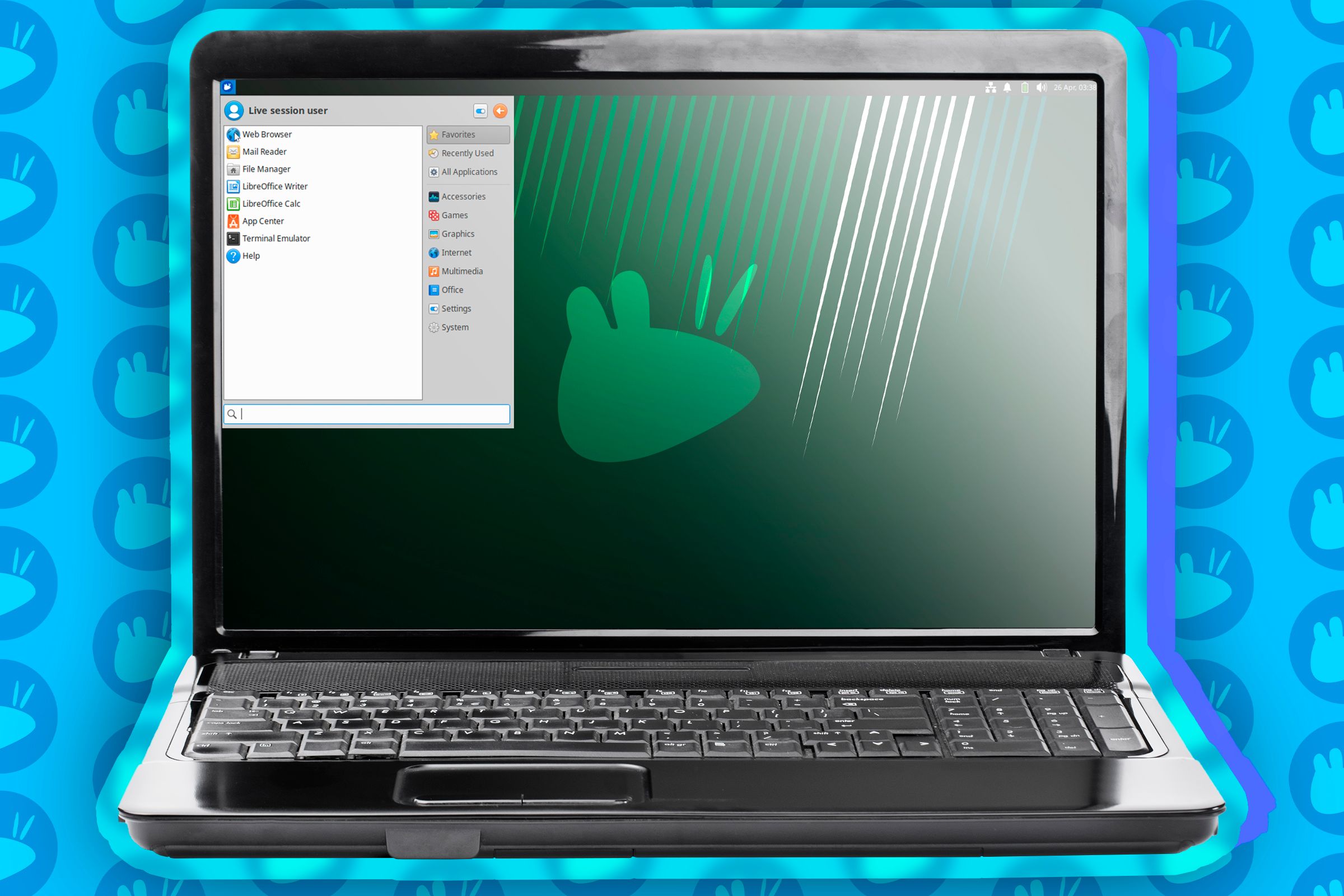
This laptop might be older than the intern you just hired, but powered by Linux, it remains a sharp Swiss Army knife.
1. Deep Insight: Manufactured “Anxiety” and the Roar of the Fan
Late at night, when you attempt to open an Excel document on that laptop you bought five years ago, the fan suddenly starts spinning frantically, sounding loud enough to protest. The screen stutters, and the mouse cursor turns into that despair-inducing spinning blue circle. At this moment, most people’s first reaction is: “This computer is trash; it’s time to get a new one.”
Hold on.
It’s actually quite ironic. If you drive a car for five years, as long as the engine isn’t broken, it can still hit 70 mph. So why is it that computer hardware, with no physical damage, can no longer run smoothly simply because time has passed?
The answer is brutal: Your computer isn’t sick; it has been “force-fed.”
The logic of the business world is simple: If you don’t feel like your current computer is slow, why would you shell out money for that new machine labeled “AI Ready”? This phenomenon is known as planned obsolescence caused by “Software Bloat.” Modern commercial operating systems (looking at you, Windows) are like hoarders constantly moving trash into your house. Whether you use them or not, it insists on stuffing the latest Copilot, background telemetry services, and countless processes you can’t even name into your RAM.
It’s like wanting to ride a bicycle to buy groceries, but the system forces you to carry a 50kg hiking pack, reasoning, “What if you suddenly decide to climb Mount Everest?”
2. Independent Perspective: The Registry, “Blood Clots” of the Digital World
Many people blame a slow computer on “too much cache.” This explanation is too superficial. One of the real culprits is Windows’ ancient and cumbersome Registry mechanism.
Imagine that for every item you buy or every piece of paper you throw away in your home, you have to make an entry in a massive, single ledger. Over time, this ledger becomes incredibly thick. Even if you just want to find a pair of scissors, you have to flip through thousands of pages of records. This is the current state of the Windows Registry. Even after you uninstall software, their corpses (residual key values) still wander the system like ghosts, accumulating over time to form “digital thrombosis.”
Linux’s logic is completely different. It doesn’t have that “pull one hair and the whole body moves” central ledger. Software configurations are mostly independent text files—clean and decoupled.
Even more brilliant is Linux’s Rolling Updates mechanism (like the Arch Linux family). A major version update in Windows (from 10 to 11) is practically a heart transplant surgery; not only is it risky, but it also forces a pile of new hardware requirements on you (like TPM 2.0, which shut the door on countless old computers).
Linux updates are like cellular metabolism—updating a little bit every day, keeping the system forever new without needing to tear everything down and start over. This isn’t just updating; this is “immortality.”
On the left is Linux, grazing and producing milk; on the right is Windows, a gluttonous feast. On the same hardware, one takes off effortlessly, while the other struggles under a heavy load.
3. Industry Comparison: The Dignity of 1GB RAM
Let’s look at some hard data and cut the fluff.
In 2024, a freshly booted Windows 11 computer doing absolutely nothing can easily consume 4GB of RAM or more. This means if you only have 8GB of memory, you’re half-dead the moment you turn it on.
Contrast this with Linux.
Even a fully-featured distribution like Ubuntu typically idles at around 1GB. If you are a minimalist and choose XFCE or even a Window Manager, idle memory usage can be suppressed to under 600MB.
What does saving 3GB of memory mean? It means you can open dozens more Chrome tabs, or run IDEs and Docker containers smoothly.
For those “old partners” used only for writing documents, browsing the web, or coding, Linux is not an alternative; it is a lifeline. It allows that i5-3000 series laptop, originally destined for the trash heap, to instantly regain its dignity. The fan stops, the operation smooths out, and you can even hear the gentle, touching sound of the hard drive reading and writing in the dead of night.
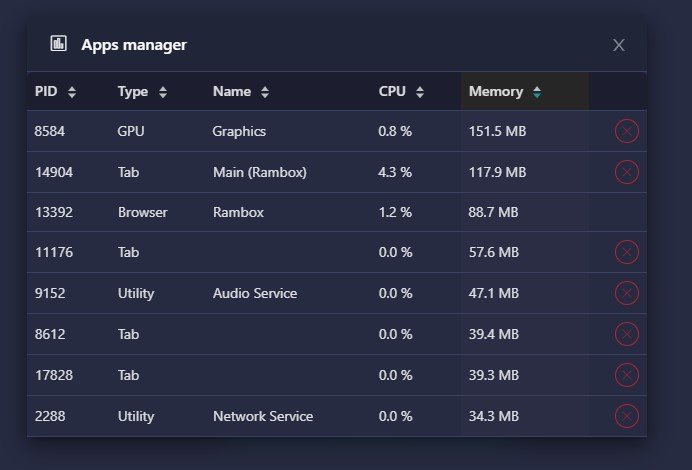
This seemingly boring screenshot of htop is actually a love letter to minimalism. Look at that memory usage under 1GB; it is the greatest tenderness a system can show to hardware.
4. Unfinished Thought: Atonement for Electronic Waste
Thinking deeply about this, it’s actually quite heavy.
According to a report by market research firm Canalys, with Windows 10 support ending (expected in 2025), globally there could be 240 million PCs turning into electronic waste because they cannot meet Windows 11’s hardware requirements (mainly TPM 2.0).
If you stacked these computers up, the height would exceed the moon.
This is a massive commercial and environmental paradox: the hardware is perfectly usable, yet it has been sentenced to death by software. If we convert these computers into Linux terminals, it is not just about saving money; it is a silent resistance against consumerism.
But I also have a hidden worry: Will cloudification make all of this irrelevant?
If future operating systems are just a browser entry point and all computing is done in the cloud, then the bloat of the local OS might no longer matter. But at least until that “fully cloud-based” future arrives, the computing power in our hands should be controlled by us, not by some product manager in Redmond.

This chart isn’t just data; it’s a tombstone. Every rising curve represents countless computers that can still turn on being buried in the dirt.
5. Final Thoughts
Don’t get me wrong, I’m not advising you to format your company-issued computer and install Linux tomorrow; your IT department might hunt you down.
What I want to say is that in this era of excess computing power yet degraded experience, Linux offers the power of choice. It tells you that slowness is not destiny, but an imposed shackle.
When you install Linux on a ten-year-old ThinkPad and watch that cursor dance lightly in the black-and-white terminal, you will feel a long-lost sense of control. That is the purest contract between man and machine—you give it life through electricity, and it repays you with efficiency.
In a world full of “consumer traps,” letting old devices continue to shine might just be the most romantic thing a geek can do.
References:
* Windows 10 end of life could create a major e-waste problem – ITPro
* System degredation – does Windows slow down over time? – ServerFault
* Best Lightweight Linux Distro: The Ultimate Beginner’s Guide – Caasify
* Windows 11 vs Ubuntu vs Fedora 39 vs Arch Linux – Speed Test! – YouTube
* Linux – Monitor CPU, RAM, and Processes with htop – YouTube
